
How to manage a beauty waitlist without spreadsheet chaos
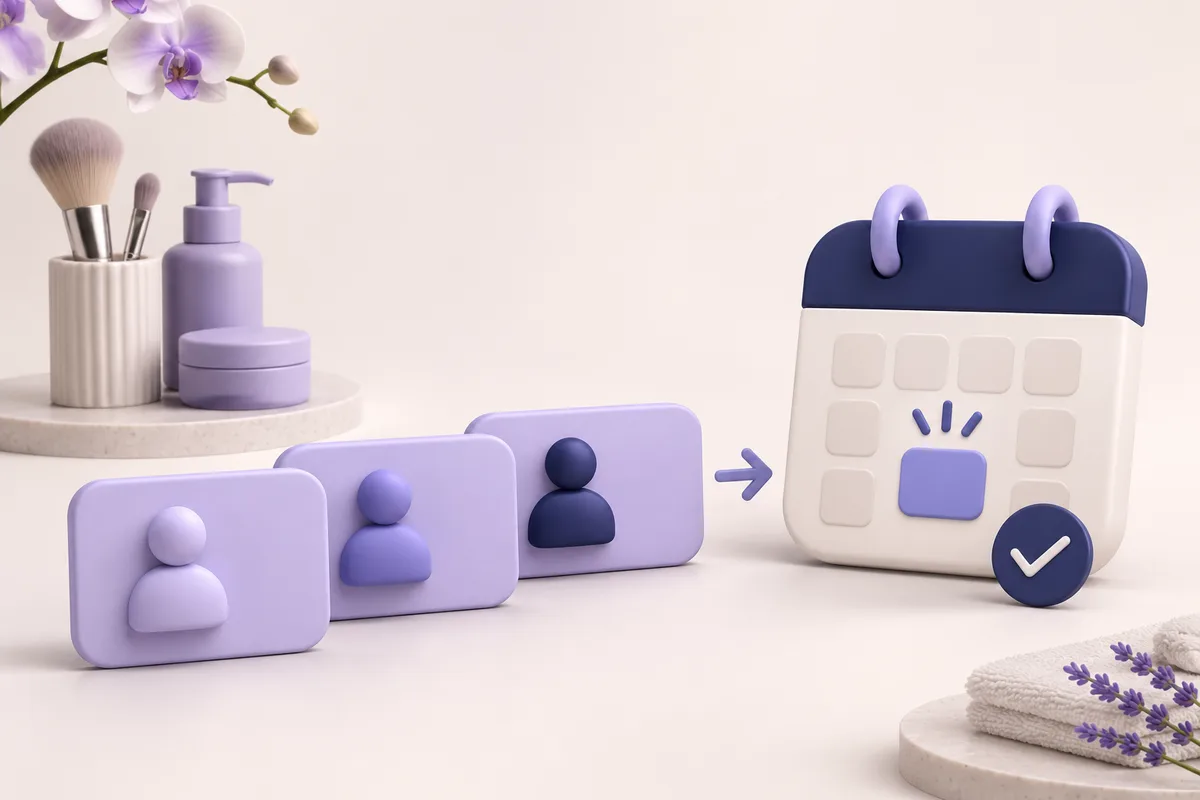
“Let me know if someone cancels” is easy to lose in a private chat. A waitlist becomes useful when it connects a service, suitable availability and a clear way to confirm an appointment.
Collect specific preferences
Ask which service the client wants and which days and times work. Someone who can only come in the evening should not keep receiving morning offers. Check whether the request is still current: clients may have booked elsewhere or changed plans. Do not collect unnecessary personal information.
Separate waiting from booking
A waitlist entry does not reserve a slot. When time becomes available, the client receives an offer and accepts it separately. This keeps availability accurate and prevents an expression of interest from being treated as a promise to attend.
Include the full context
Instead of “I have a slot, interested?”, include the service, date, time and address. Give the client a clear way to accept or decline. If they already have a later booking, explain that this is a move rather than an additional appointment.
Keep one current schedule
A spreadsheet, notes and several chats can contradict one another. After confirmation, update the main schedule and the client’s previous time. Avoid unclear temporary reservations and check the actual availability before final confirmation.
How fyveno supports the process
Professionals manage a waitlist alongside their appointments. The service uses availability and active notification channels to offer suitable openings to existing clients. Client preferences and consent matter: an offer sent does not mean the slot is filled.